Bring Your Memories Back to Life From a Photo
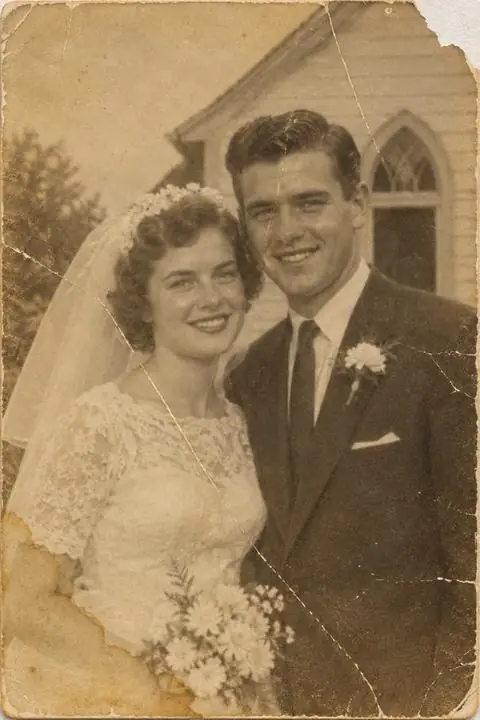
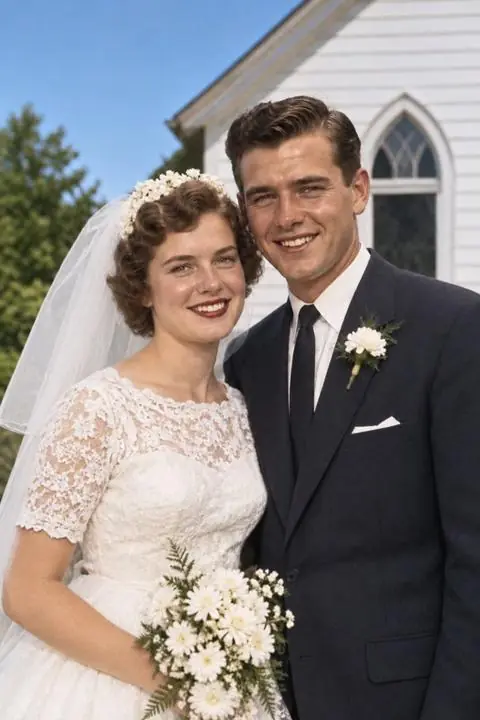
Upload an old photo you already have, straight from your phone. We restore it, add colour and bring it to life, and you see yours free before you decide.
- ✓ Free preview of your photo
- ✓ Nothing to install
- ✓ Ready in about 20 seconds
How it works
Step 1
Upload a photo
Any old print or scan. Faded, torn and scratched photos are welcome.
Step 2
We restore it instantly, online
In about 20 seconds you see it repaired and, if you like, in natural colour.
Step 3
Watch it move
Choose a smile, a wave or a hug and watch the moment come back to life.
The simplest way to see them again
No editing skills and no app. Just one photo and a few taps.
Repairs the damage
Scratches, creases, stains and fading, cleaned up while keeping every face the same.
Natural colour
Black-and-white and sepia photos in realistic, period-true colour. Or keep the original tones.
A moving moment
A short clip of them smiling, waving or hugging, made from the photo you already love.
See it before you pay
Your restored photo and a watermarked moving preview are free. You only pay to keep them.
A glimpse of what's possible
Every one of these was an old photo first. Now it moves.
BeforeRestored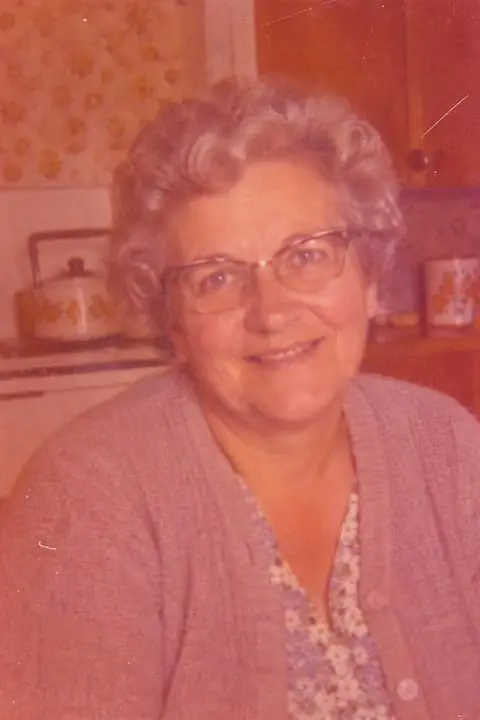 Before
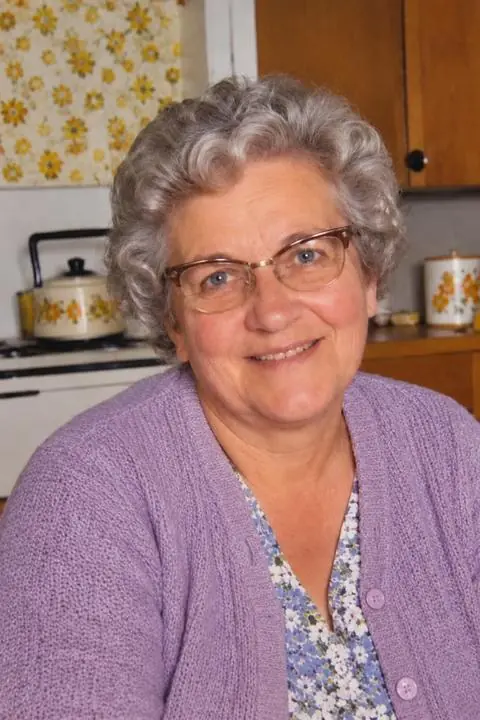 Restored
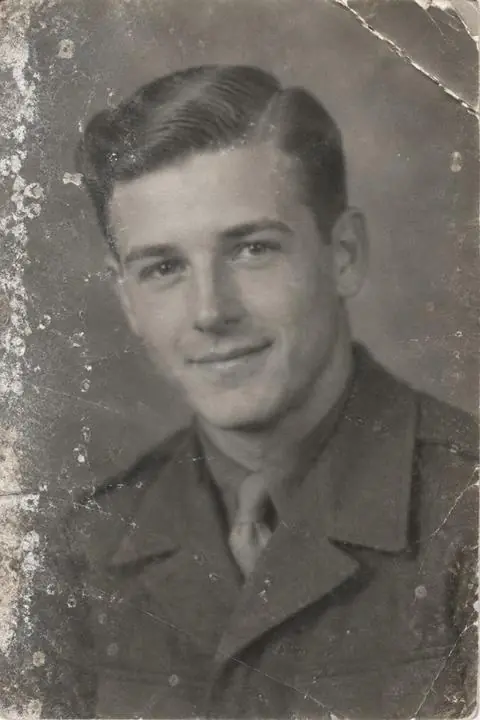 Before
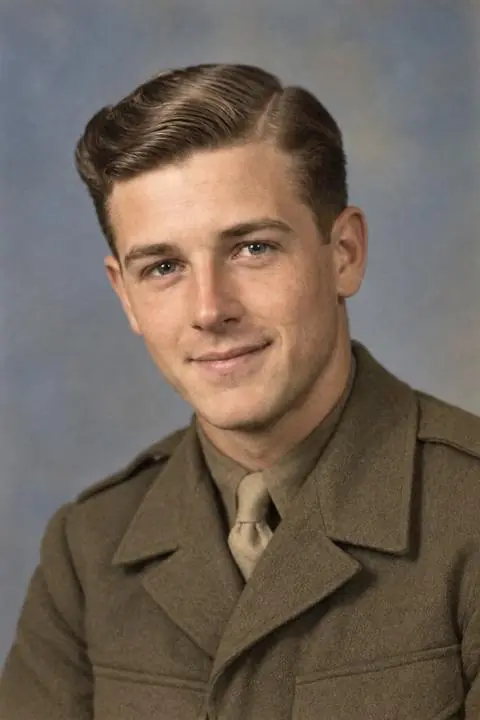 Restored
Real RevivedMoments results made from sample photos. The people shown are not customers.
Common questions
Do I really see my own photo before paying?
Yes. We restore your actual photo first and show it to you, then, after you enter your email, a short watermarked clip of it moving. Paying unlocks the full-quality versions without a watermark.
How long does it take?
The restored photo is usually ready in about 20 seconds and the moving clip a few seconds to a minute after that. There's nothing to download or install.
What does a plan include?
Each plan gives you credits. One credit unlocks one moving moment in full quality (plus the restored photo), without a watermark. Credits you've paid for never expire.
Does it renew?
Yes, each plan renews at the same price you paid, every period, until you cancel. You see the renewal price and date before you pay and in your confirmation email. Cancelling takes one click on your account page.
Will it still look like them?
We tell the AI to keep every face, feature and outfit exactly the same, and most photos come back very faithful. Very small, blurry or badly damaged faces are harder. You'll see the result before paying.
What happens to my photos?
Your photos are used only to make your restoration and clips. You can delete them any time from your results page, or email support@revivedmoments.com.
It starts with one photo
See yours restored and moving before you decide anything.
Bring My Memory Back